
 MCP
MCP

Drive ComfyUI from any AI agent.
Comfy MCP exposes the full ComfyUI engine over the Model Context Protocol — so your assistant can access the ecosystem, build workflows, and generate images, video, audio, or 3D.
Set up Comfy MCP in three steps
Add Comfy Cloud as a custom connector in Claude, Cursor, Codex, or any MCP-compatible client. Sign in once, and the full ComfyUI toolset is available right in your chat.
STEP 1
Copy the MCP URL
Click the copy button below. You'll paste it into your client in the next step.
STEP 2
Add the connector
Name it Comfy Cloud and paste the URL. The docs below cover every client.
STEP 3
Connect and sign in
Click Connect, sign in, and every Comfy Cloud skill is ready in your client.
Why build on Comfy MCP?
A trusted infrastructure that lets engineers and professionals ship faster.
Open protocol, any client.
MCP is an open standard, so any MCP-compatible client can connect. Today Comfy supports Claude Code and Claude Desktop, with more clients coming.
The full engine, not a sandbox.
Same tool your team uses. Fully connected multi-step, multi-GPU workflows. Everything available now and in the future.
Outputs you keep.
Downloads go to your Comfy library — store, reuse, remix, and share without leaving the ecosystem.
Powered by Comfy Cloud.
Run without a local GPU through the same infrastructure your team already trusts.
Everything ComfyUI can do, now available as tools.
Generate anything
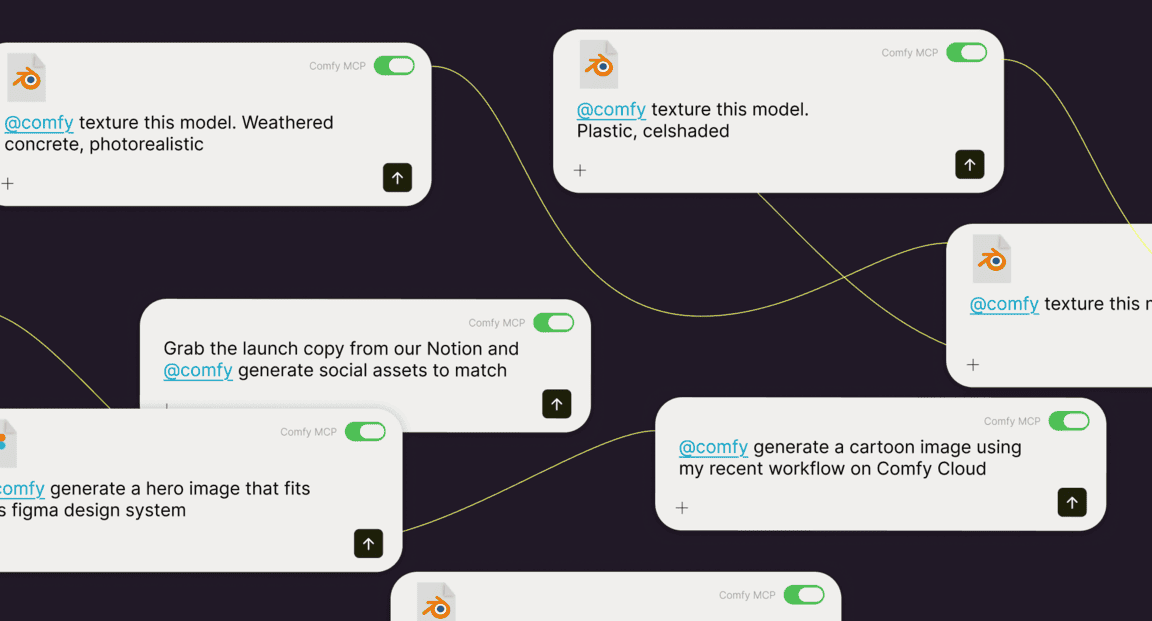
Generate images, video, audio, 3D, upscale, or remove backgrounds. Add or remove elements in images, create or modify any visual, audio, or 3D asset at any scale.

Search the ecosystem
Query thousands of models, browse rankings, and choose workflow templates straight from your response.
Run real workflows
Turn any ComfyUI workflow into a callable tool. The full power of the engine, driven by your agent.
How it works
01
CONNECT
Add the Comfy Cloud MCP server to Claude Code or Claude Desktop and sign in once with OAuth. No API keys to manage.
02
DISCOVER
Your agent gets Comfy's tools: search, generate, submit, and retrieve — everything it needs to create.
03
CREATE
Request what you want, the agent queues and runs the workflow, and returns the finished result.
The AI creation engine for complete control
Over every model, every node, every step, every output.
Comfy Desktop
Run ComfyUI on your own hardware.
SEE DESKTOP FEATURESComfy Cloud
The full power of ComfyUI from anywhere.
SEE CLOUD FEATURESComfy API
Turn workflows into production endpoints.
SEE API FEATURESComfy Enterprise
Enterprise-grade infrastructure for the creative engine inside your organization.
SEE ENTERPRISE FEATURES